In the ever-evolving landscape of digital gaming, the Nintendo Switch eShop remains a vital hub for gamers to purchase, download, and update their favorite titles. Since its launch in March 2017, the Nintendo Switch has established itself as one of Nintendo’s best-selling hardware platforms, supported by a robust digital storefront—the Nintendo eShop. However, as with any major online service, users occasionally encounter technical hurdles. One frequent issue faced by Switch owners is the 'Bad Request – Please Update Your Browser' error, which can disrupt access to the eShop and digital content.
Understanding the Nintendo Switch eShop Error
The message 'Bad Request – Please Update Your Browser' typically appears when trying to access the Nintendo eShop via the Switch system’s limited browser functionality or when certain web-based features require an updated environment. Unlike traditional web browsers on PCs or smartphones, the Nintendo Switch does not have a user-facing browser, but it does employ browser-like technology for select functions, including the eShop interface. This message usually indicates a compatibility or session issue with Nintendo’s online services.
Nintendo’s Stance and Official Guidance
Nintendo has acknowledged that connection issues and browser-related errors can sometimes affect the eShop experience. According to Nintendo support documentation, users running into this error are advised to ensure their system software is fully updated. A Nintendo representative has clarified, “Keeping your Nintendo Switch system up to date is essential for accessing all features of the Nintendo eShop without interruption.”
How to Fix the 'Please Update Your Browser' Error on Nintendo Switch eShop
If you experience the 'Bad Request – Please Update Your Browser' error, follow these verified troubleshooting steps:
1. Update Your Nintendo Switch: Go to System Settings > System > System Update to confirm you are running the latest firmware.
2. Check Your Internet Connection: Ensure your Switch is connected to a stable Wi-Fi network and consider restarting your router.
3. Restart the Nintendo Switch: Power off your console completely and turn it back on.
4. Clear the eShop Cache: Sometimes cached data can cause session conflicts. From your Switch, go to System Settings > System > Formatting Options > Reset Cache.
5. Try Again Later: On rare occasions, Nintendo eShop may be undergoing maintenance. Visit the official Nintendo Network Status page for real-time updates.
The Importance of System Updates in the Nintendo Ecosystem
Nintendo has a well-documented history of supporting its hardware through regular system updates, often outlined in Nintendo Direct presentations and official communications. These updates not only introduce new features but also enhance security and maintain compatibility with evolving online services. Ensuring that your Nintendo Switch firmware is up to date is critical to accessing the full suite of digital offerings on the Nintendo eShop.
Continued Commitment to User Experience
With over 122 million Nintendo Switch units sold globally as of 2024, Nintendo’s online infrastructure is a cornerstone of the platform’s success. The company encourages users to regularly check for updates and consult official support resources for any connectivity issues. By following these steps, Switch owners can quickly resolve the 'Bad Request – Please Update Your Browser' error and continue enjoying the expansive library of content available on the Nintendo eShop.
Nintendo Switch eShop: How to Resolve the 'Bad Request – Please Update Your Browser' Error
Nintendo News Hub
Game Pages Mentioned In This Article
Use these Nintendo Switch game pages to keep exploring the titles connected to this story, including related genres, developers, screenshots, and more coverage.
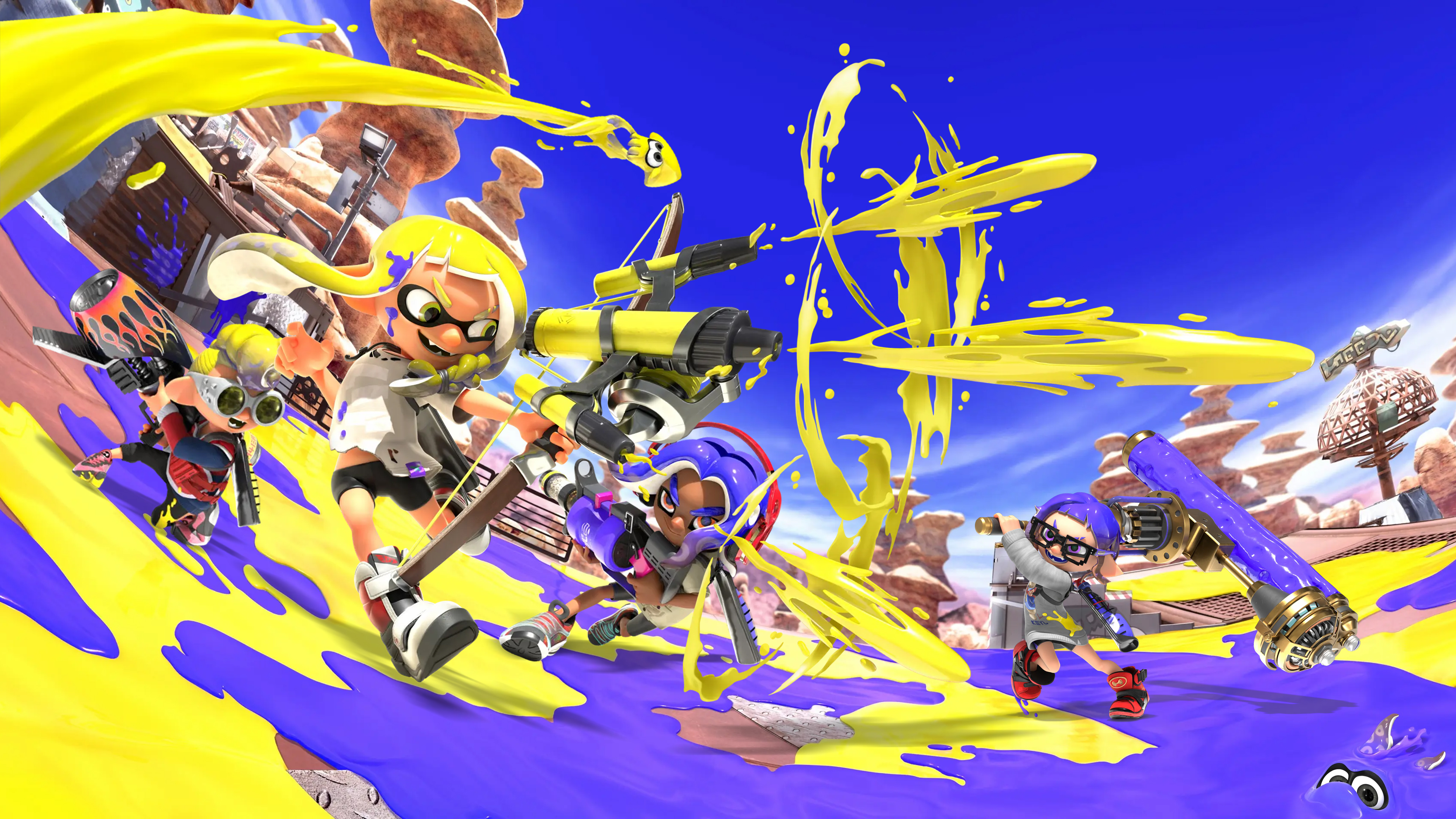
Splatoon 3
Nintendo · Action · 2022
View game page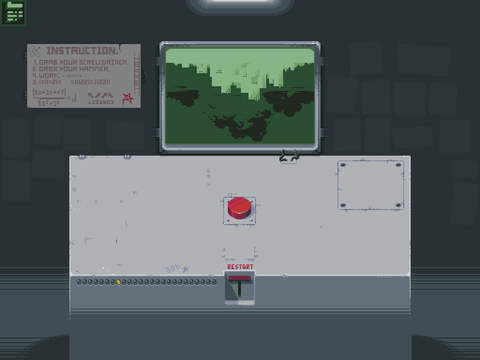
Please, Don’t Touch Anything
Escalation Studios · Indie · 2015
View game page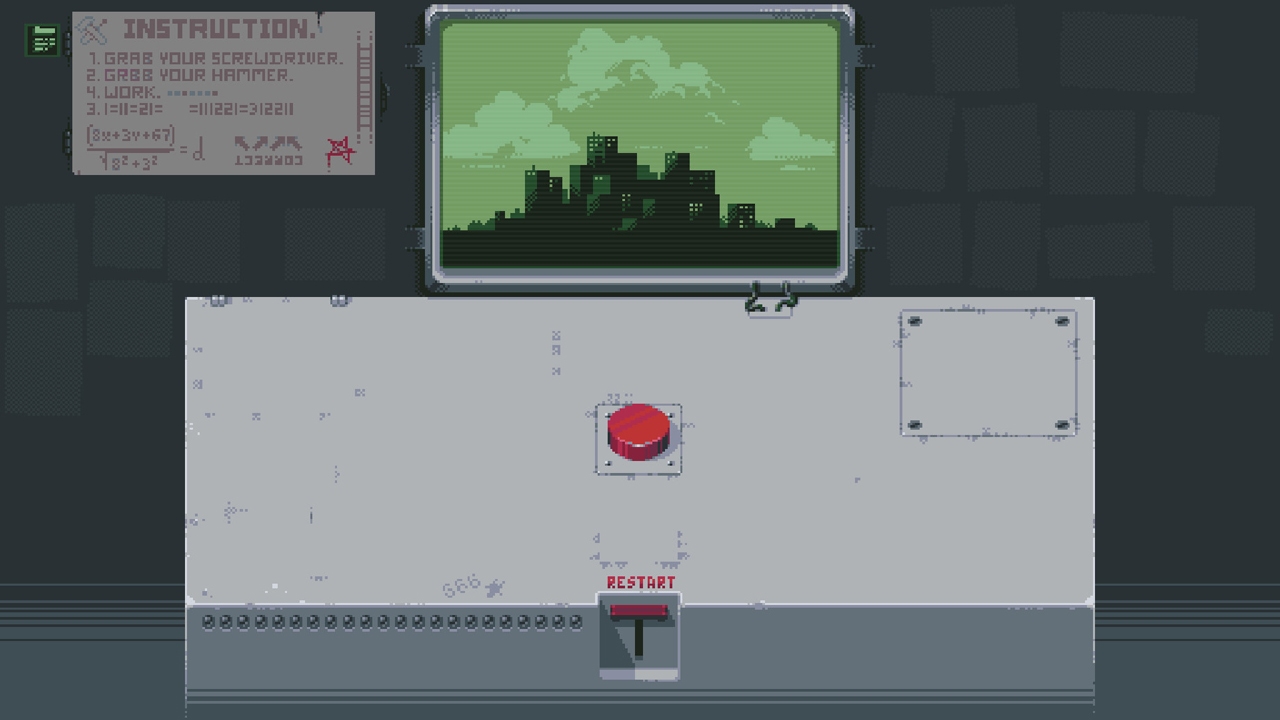
Please, Don't Touch Anything: Classic
Four Quarters · 2019
View game page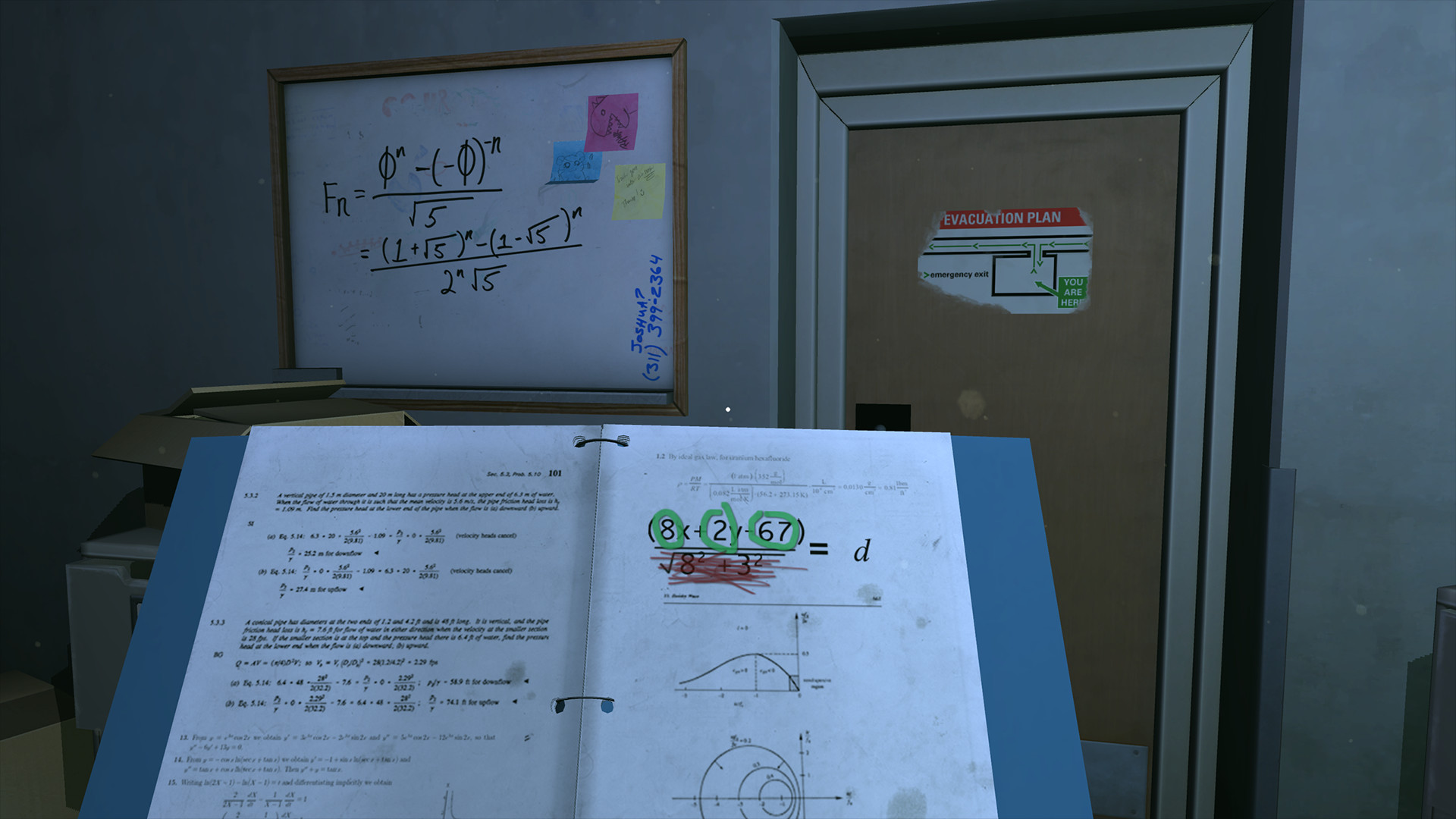
Please, Don't Touch Anything 3D
Escalation Studios · Indie · 2016
View game page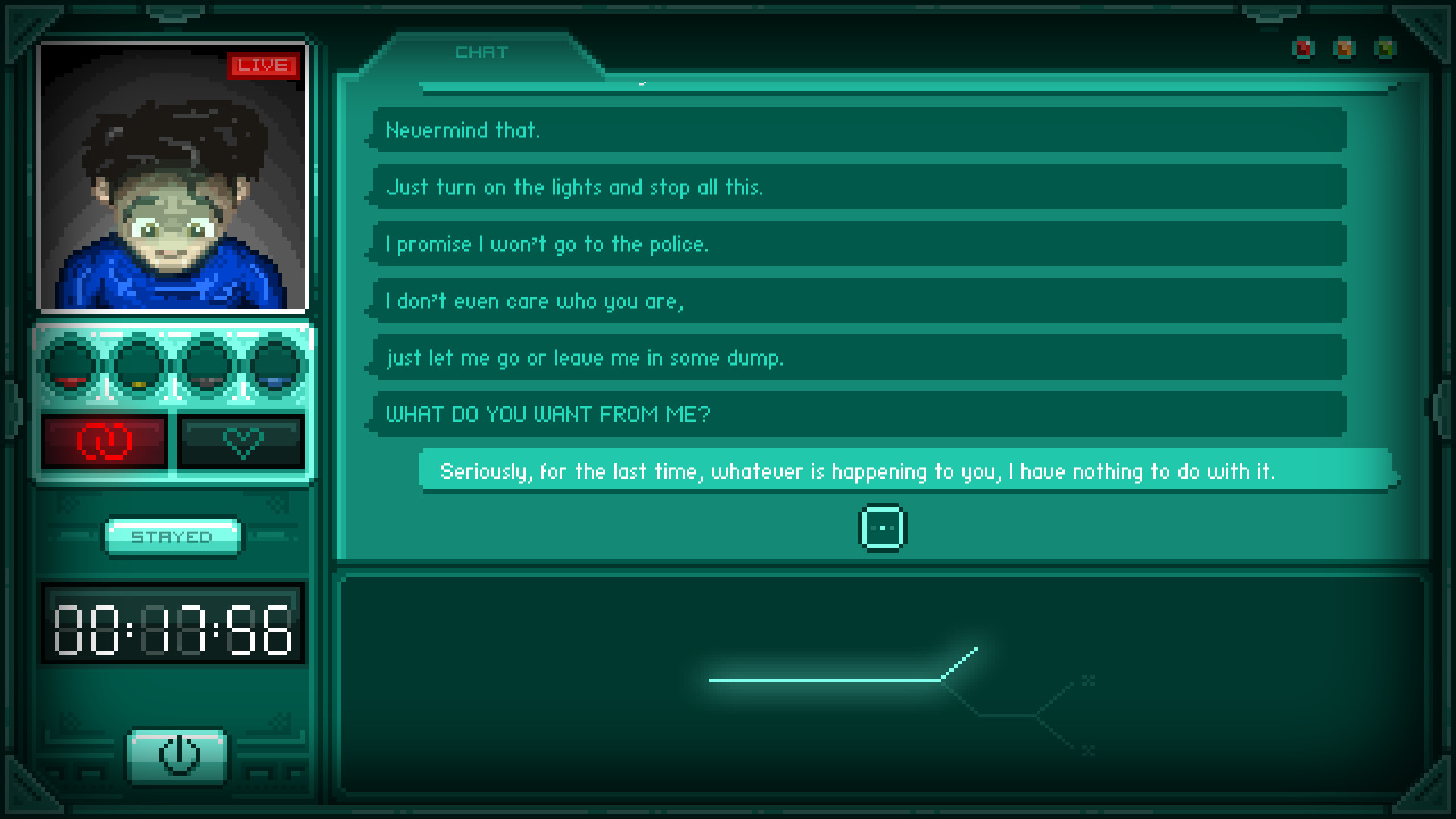
STAY
Ratalaika Games · Action · 2018
View game pageRelated Topics
Explore more articles about these topics:
Source: NintendoSwitchLife


