
Fallout 4: Anniversary Edition – A Comprehensive Review of the Switch 2 Release
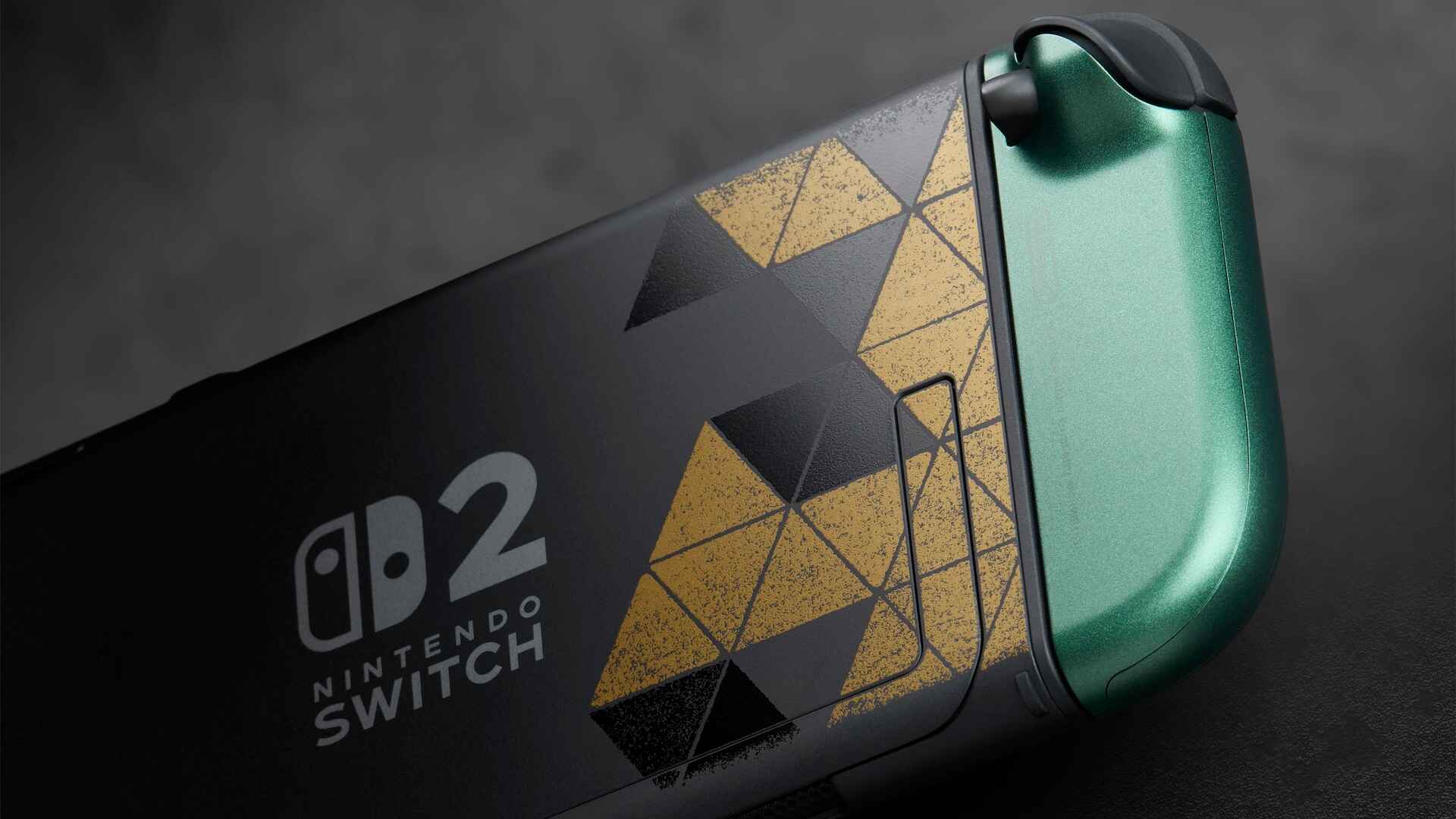
With the arrival of Fallout 4: Anniversary Edition on the Nintendo Switch 2, Bethesda Game Studios brings one of its signature western RPGs to a whole new audience.
Originally launched in 2015 for Windows, PlayStation 4, and Xbox One, Fallout 4 has finally found its way to a Nintendo platform, nearly 11 years after its initial release.
This new edition—now available via the Nintendo eShop—bundles all main expansions and a hefty dose of Creation Club content, making it the most complete version for handheld and hybrid play.
From its outset, Fallout 4: Anniversary Edition offers an immense array of systems, menus, and upgrade paths.
While this expansive content may be thrilling for longtime fans, new players may find navigating the user interface and managing numerous gameplay features challenging in the first several hours.
Bethesda Game Studios has included all major DLCs and updates in this package, but the immediate access to the content can feel overwhelming for those unfamiliar with Fallout’s intricacies.
In the words of industry analysts, this edition is a haven for returning players eager to explore the Commonwealth with fresh options and storyline diversions, but it can prove daunting for those stepping into the vault for the first time.
Fallout 4’s narrative remains one of its strongest draws.
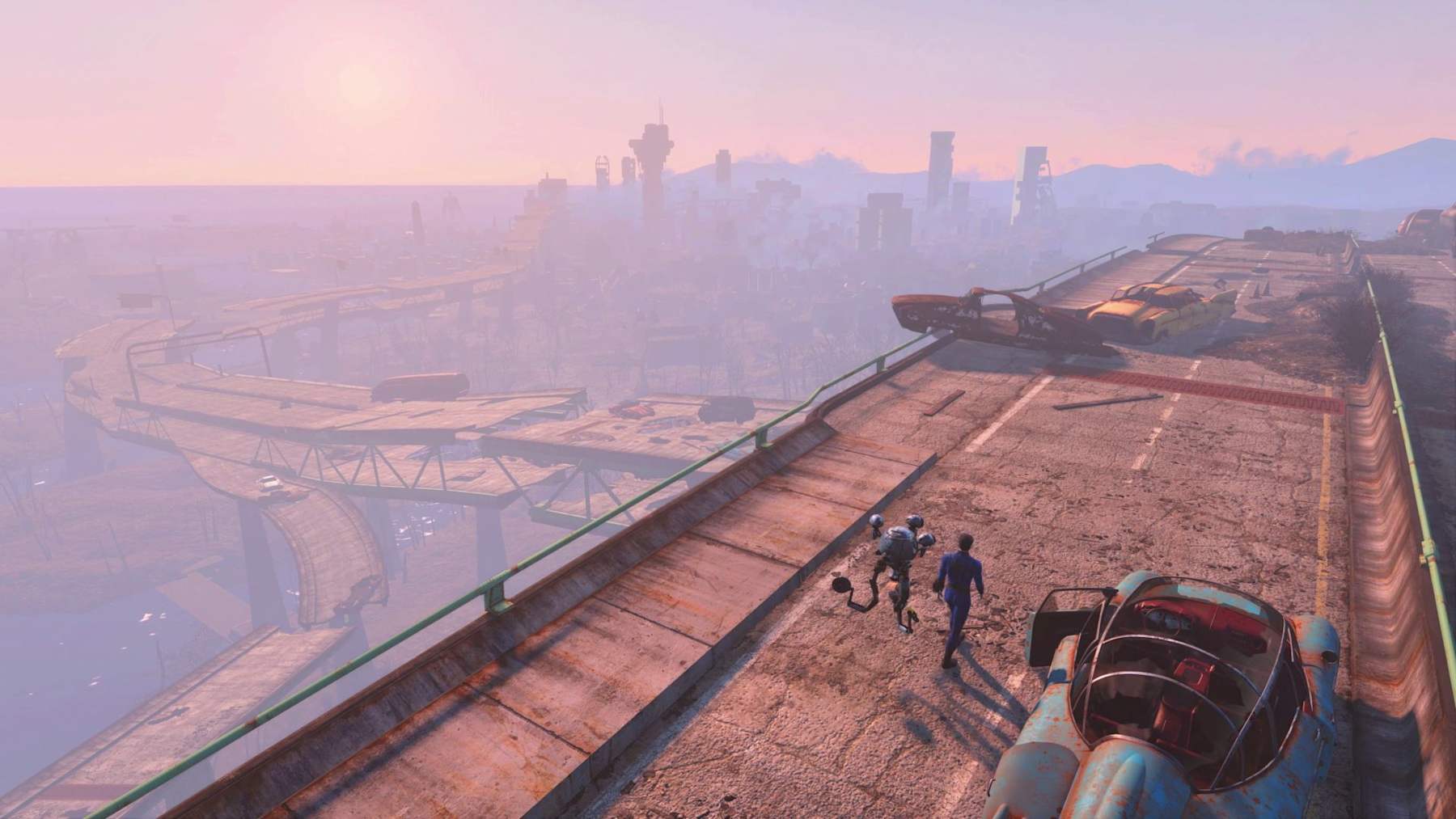
Set in post-nuclear Boston, known as the Commonwealth, players emerge from Vault 111 over 200 years after the bombs fell.
The story propels them forward as the lone survivor, driven by the loss of a spouse and the mystery surrounding their missing son, Shaun.
Interacting with companions (including the familiar dog, Dogmeat), building settlements, and traversing a post-apocalyptic landscape, players shape their own journey through choices that impact multiple possible endings.
Romance, alliances, and branching stories combine to deliver replay value bolstered by the new content in the Anniversary Edition.
Exploration remains at the heart of Fallout 4 on Switch 2, supported by an extensive array of side-quests and new areas introduced by the bundled expansions.
Whether diving into the main story or investigating enticing notes scattered across the world, players find themselves constantly pushed to uncover every corner of the Commonwealth.
The inventory and crafting systems, while powerful, can be unwieldy—nearly every item discovered (from simple coffee mugs to advanced components) can be repurposed.
This depth is rewarding for RPG veterans, though some may tire quickly of inventory management.
Combat in Fallout 4 offers both traditional real-time action and the series’ signature V.A.T.S. system, which lets players pause the action and target specific enemy body parts, giving tactical depth to every encounter.
The Nintendo Switch 2 version fares well in performance, with players able to prioritize visual fidelity or frame rate (30fps with more detail or 60fps with some trade-offs).
The Anniversary Edition retains the original’s character models and environmental design, which, though dated, remain atmospheric and immersive on Nintendo hardware.
Bethesda’s attention to detail ensures that Fallout 4: Anniversary Edition on the Switch 2 is a robust offering for handheld and docked play, though the user interface is not optimized for portable mode.
The technical performance is generally smooth, giving players the flexibility to engage in sprawling RPG sessions wherever they choose.
Ultimately, Fallout 4: Anniversary Edition is a dense, rewarding experience that requires commitment.
For many RPG fans, the initial learning curve is well worth the effort, as the world of the Commonwealth opens up into a playground of emergent stories, strategic combat, and character-driven quests.
Whether you’re a veteran seeking new content or a Nintendo-first player embarking on your first Fallout adventure, this Switch 2 release cements the game’s legacy in the RPG landscape.
With the arrival of Fallout 4: Anniversary Edition on the Nintendo Switch 2, Bethesda Game Studios brings one of its signature western RPGs to a whole new audience.
Originally launched in 2015 for Windows, PlayStation 4, and Xbox One, Fallout 4 has finally found its way to a Nintendo platform, nearly 11 years after its initial release.
This new edition—now available via the Nintendo eShop—bundles all main expansions and a hefty dose of Creation Club content, making it the most complete version for handheld and hybrid play.
From its outset, Fallout 4: Anniversary Edition offers an immense array of systems, menus, and upgrade paths.
While this expansive content may be thrilling for longtime fans, new players may find navigating the user interface and managing numerous gameplay features challenging in the first several hours.
Bethesda Game Studios has included all major DLCs and updates in this package, but the immediate access to the content can feel overwhelming for those unfamiliar with Fallout’s intricacies.
In the words of industry analysts, this edition is a haven for returning players eager to explore the Commonwealth with fresh options and storyline diversions, but it can prove daunting for those stepping into the vault for the first time.
Fallout 4’s narrative remains one of its strongest draws.
Set in post-nuclear Boston, known as the Commonwealth, players emerge from Vault 111 over 200 years after the bombs fell.
The story propels them forward as the lone survivor, driven by the loss of a spouse and the mystery surrounding their missing son, Shaun.
Interacting with companions (including the familiar dog, Dogmeat), building settlements, and traversing a post-apocalyptic landscape, players shape their own journey through choices that impact multiple possible endings.
Romance, alliances, and branching stories combine to deliver replay value bolstered by the new content in the Anniversary Edition.
Exploration remains at the heart of Fallout 4 on Switch 2, supported by an extensive array of side-quests and new areas introduced by the bundled expansions.
Whether diving into the main story or investigating enticing notes scattered across the world, players find themselves constantly pushed to uncover every corner of the Commonwealth.
The inventory and crafting systems, while powerful, can be unwieldy—nearly every item discovered (from simple coffee mugs to advanced components) can be repurposed.
This depth is rewarding for RPG veterans, though some may tire quickly of inventory management.
Combat in Fallout 4 offers both traditional real-time action and the series’ signature V.A.T.S. system, which lets players pause the action and target specific enemy body parts, giving tactical depth to every encounter.
The Nintendo Switch 2 version fares well in performance, with players able to prioritize visual fidelity or frame rate (30fps with more detail or 60fps with some trade-offs).
The Anniversary Edition retains the original’s character models and environmental design, which, though dated, remain atmospheric and immersive on Nintendo hardware.
Bethesda’s attention to detail ensures that Fallout 4: Anniversary Edition on the Switch 2 is a robust offering for handheld and docked play, though the user interface is not optimized for portable mode.
The technical performance is generally smooth, giving players the flexibility to engage in sprawling RPG sessions wherever they choose.
Ultimately, Fallout 4: Anniversary Edition is a dense, rewarding experience that requires commitment.
For many RPG fans, the initial learning curve is well worth the effort, as the world of the Commonwealth opens up into a playground of emergent stories, strategic combat, and character-driven quests.
Whether you’re a veteran seeking new content or a Nintendo-first player embarking on your first Fallout adventure, this Switch 2 release cements the game’s legacy in the RPG landscape.