Nintendo Switch gamers routinely turn to the eShop for the latest titles, exclusive offers, and digital content, but a recurring technical hiccup has posed a challenge for some users: The 'Bad Request – Please Update Your Browser' error. As one of the world’s top-performing handheld-console hybrids, the Nintendo Switch prioritizes seamless access to its digital storefront, making any eShop error a noticeable disruption for its large, global user base.
Since the Nintendo Switch launched in March 2017, its eShop has grown substantially, offering access to thousands of games, DLCs, and services. However, reports have surfaced in official forums and on social media about players encountering a 'Bad Request' message, typically accompanied by instructions to update the browser. This can be particularly confusing for Switch users, as the system does not have a conventional web browser exposed to players. The error generally arises due to outdated system software or connection-related issues when accessing the eShop or specific web-based Nintendo services.
Nintendo’s official support guidance clarifies the steps for resolving this error. A company representative explained that players should 'confirm the Nintendo Switch system is updated to the latest available firmware and restart the console before attempting to access the eShop again.' Timely system updates are essential, as Nintendo frequently improves connectivity features and addresses web compatibility behind the scenes. To check for updates, users can navigate to System Settings > System > System Update on their Switch. In many cases, installing the latest firmware and rebooting addresses the issue.
Beyond updating the system, connectivity can also play a factor. Nintendo recommends ensuring a stable internet connection, preferably over a trusted Wi-Fi network. For those still experiencing the message after updating and restarting, clearing the cache—found in System Settings under the 'Internet' menu—may resolve persistent data-related problems. Additionally, using the official Nintendo support website or contacting their customer service line can help address less common underlying issues.
The 'Bad Request – Please Update Your Browser' error does not indicate a structural issue with the Nintendo eShop or the Switch hardware itself. Instead, it highlights the importance of keeping system software current and understanding how web-based services integrate into the modern console experience. As the Nintendo Switch continues to receive regular software improvements and its eShop catalog expands, following these troubleshooting steps ensures uninterrupted access to digital content and online features.
Nintendo's commitment to supporting its hardware ecosystem is underscored by continued updates and strong community support channels. For the latest information, users are encouraged to follow official Nintendo announcements, frequently check for firmware updates, and leverage Nintendo support if technical challenges arise. With these best practices, Switch owners can avoid disruptions and maximize their experience across the eShop and other online services.
How to Fix 'Bad Request – Please Update Your Browser' Error on Nintendo Switch eShop
Nintendo News Hub
Game Pages Mentioned In This Article
Use these Nintendo Switch game pages to keep exploring the titles connected to this story, including related genres, developers, screenshots, and more coverage.
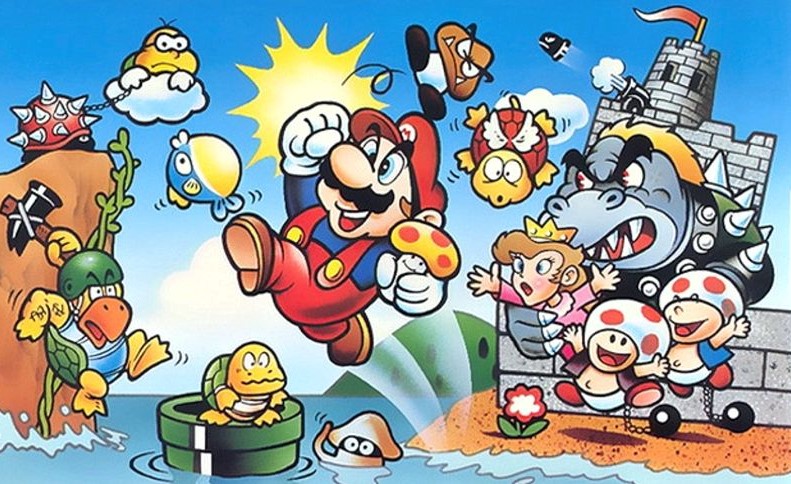
Super Mario Bros.
Nintendo · Action · 1985
View game page
Mario Bros.
Nintendo · Action · 2006
View game page
Please, Don’t Touch Anything
Escalation Studios · Indie · 2015
View game page
Please, Don't Touch Anything: Classic
Four Quarters · 2019
View game page
Please, Don't Touch Anything 3D
Escalation Studios · Indie · 2016
View game pageSource: NintendoSwitchLife