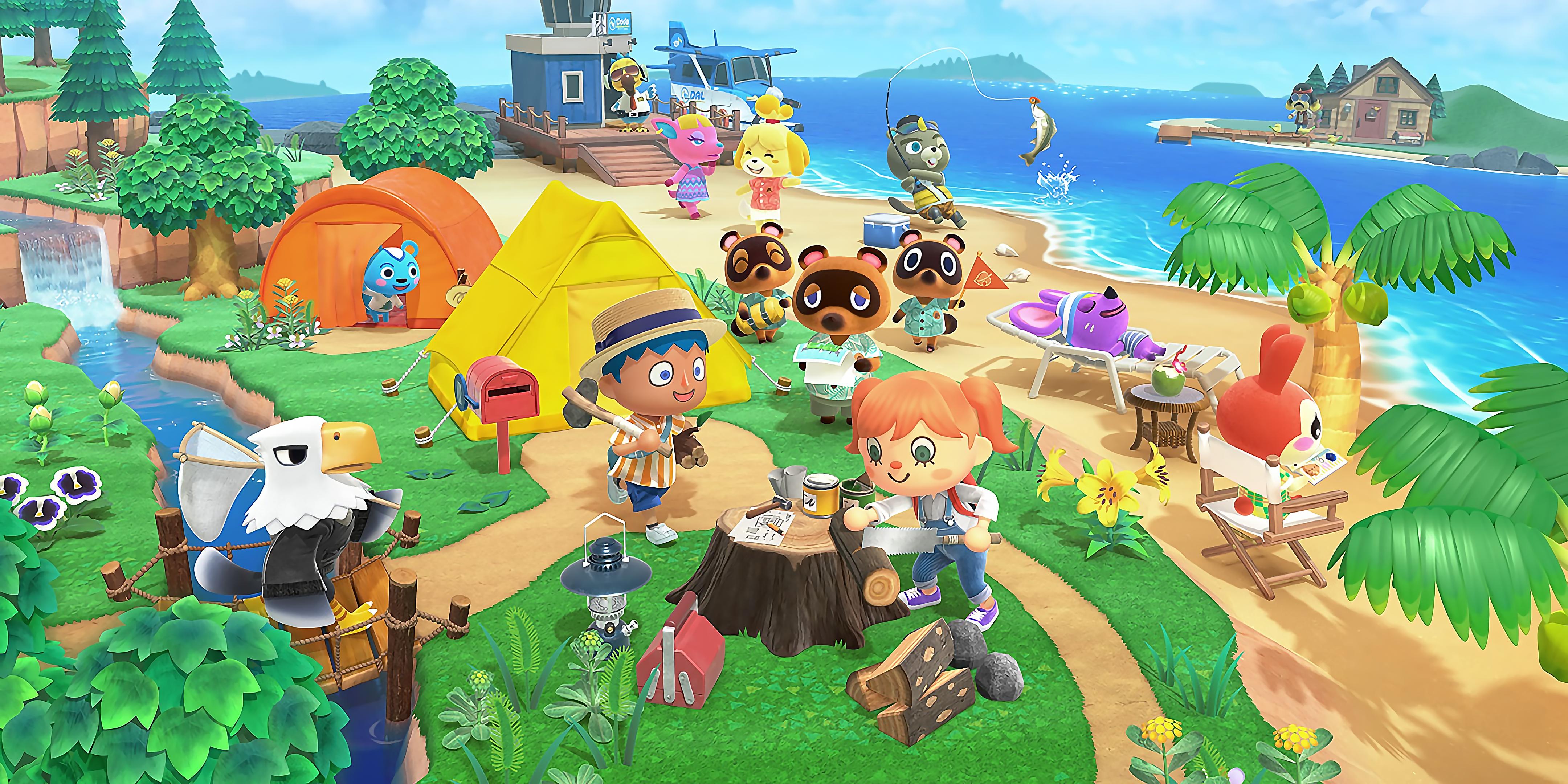

With the global launch of Animal Crossing: New Horizons Nintendo Switch 2 Edition fast approaching, many fans are preparing to continue life on their beloved island using the upcoming Nintendo Switch 2 hardware.
Whether you’re upgrading to take advantage of the console’s new capabilities or simply eager to keep your progress intact, it’s crucial to understand how to transfer your Animal Crossing: New Horizons save data—and your island—from the original Nintendo Switch to Nintendo Switch 2.
Since Animal Crossing: New Horizons does not support Nintendo Switch Online cloud save backups, the save transfer process requires specific tools and attention to detail.
Below, we provide an authoritative, step-by-step guide to ensure a smooth transition so you’ll be ready to dive back into island life when the new edition launches next week.
**Preparing for Animal Crossing: New Horizons Save Transfer**
Nintendo recommends using the free Island Transfer Tool, available on the Nintendo eShop, to move your island between consoles.
The tool manages the migration of both your island and user data, provided you haven’t already performed a full system transfer.
If you’re planning a complete system transfer—from your Nintendo Switch to Nintendo Switch 2—your Animal Crossing: New Horizons island will move automatically, eliminating the need for the standalone transfer tool.
**Step-by-Step: Moving Your Island to Nintendo Switch 2**
1.
Ensure Animal Crossing: New Horizons is updated to the latest version on both your original Nintendo Switch and the new Nintendo Switch 2.
2.
Download Animal Crossing: New Horizons on your Nintendo Switch 2 if you own a digital copy; if you have a physical cartridge, insert it into the new device.
3.
On both consoles, download the free Animal Crossing: New Horizons Island Transfer Tool from the Nintendo eShop.
4.
Link the Nintendo Account(s) from your original console to the Nintendo Switch 2.
This is critical for retaining user-specific save data.
5.
If you have other game saves associated with your user profile, transfer them as well before proceeding with the island transfer.
6.
Open the Island Transfer Tool on both devices.
On each screen, follow the prompts: select ‘Continue,’ then ‘Let’s Begin.’
7.
On the original console, mark it as the ‘Source.’ When prompted, confirm the name of your island or console nickname.
8.
On the new console, select ‘Target.’ Proceed following the on-screen directions.
9.
When the devices detect each other on the same network, choose ‘Transfer data’ on the source and ‘Proceed’ on the target.
The process will complete, and confirmation messages will appear on both devices.
10.
Once the process is complete, the save data is deleted from the original Nintendo Switch and appears exclusively on the Nintendo Switch 2.
Start Animal Crossing: New Horizons on your new Nintendo Switch 2 to confirm your island’s successful migration.
Nintendo advises verifying the save file upon launch, ensuring everything is in place before upgrading to the Animal Crossing: New Horizons Switch 2 Edition.
**Launch Dates and Upgrade Path**
Animal Crossing: New Horizons remains one of Nintendo’s best-selling titles, available both physically and digitally via the Nintendo eShop for Nintendo Switch.
The highly anticipated Animal Crossing: New Horizons Nintendo Switch 2 Edition will launch globally on January 15, 2026.
Existing players can access an Upgrade Pack for £4.49 ($4.99), providing a convenient and affordable way to transition to the enhanced edition on Nintendo Switch 2.
With this comprehensive guide, Nintendo Switch and Animal Crossing fans can ensure that their time and creativity invested in their islands will seamlessly carry over to the next generation of Nintendo gaming hardware.
Whether you’re upgrading to take advantage of the console’s new capabilities or simply eager to keep your progress intact, it’s crucial to understand how to transfer your Animal Crossing: New Horizons save data—and your island—from the original Nintendo Switch to Nintendo Switch 2.
Since Animal Crossing: New Horizons does not support Nintendo Switch Online cloud save backups, the save transfer process requires specific tools and attention to detail.
Below, we provide an authoritative, step-by-step guide to ensure a smooth transition so you’ll be ready to dive back into island life when the new edition launches next week.
**Preparing for Animal Crossing: New Horizons Save Transfer**
Nintendo recommends using the free Island Transfer Tool, available on the Nintendo eShop, to move your island between consoles.
The tool manages the migration of both your island and user data, provided you haven’t already performed a full system transfer.
If you’re planning a complete system transfer—from your Nintendo Switch to Nintendo Switch 2—your Animal Crossing: New Horizons island will move automatically, eliminating the need for the standalone transfer tool.
**Step-by-Step: Moving Your Island to Nintendo Switch 2**
1.
Ensure Animal Crossing: New Horizons is updated to the latest version on both your original Nintendo Switch and the new Nintendo Switch 2.
2.
Download Animal Crossing: New Horizons on your Nintendo Switch 2 if you own a digital copy; if you have a physical cartridge, insert it into the new device.
3.
On both consoles, download the free Animal Crossing: New Horizons Island Transfer Tool from the Nintendo eShop.
4.
Link the Nintendo Account(s) from your original console to the Nintendo Switch 2.
This is critical for retaining user-specific save data.
5.
If you have other game saves associated with your user profile, transfer them as well before proceeding with the island transfer.
6.
Open the Island Transfer Tool on both devices.
On each screen, follow the prompts: select ‘Continue,’ then ‘Let’s Begin.’
7.
On the original console, mark it as the ‘Source.’ When prompted, confirm the name of your island or console nickname.
8.
On the new console, select ‘Target.’ Proceed following the on-screen directions.
9.
When the devices detect each other on the same network, choose ‘Transfer data’ on the source and ‘Proceed’ on the target.
The process will complete, and confirmation messages will appear on both devices.
10.
Once the process is complete, the save data is deleted from the original Nintendo Switch and appears exclusively on the Nintendo Switch 2.
Start Animal Crossing: New Horizons on your new Nintendo Switch 2 to confirm your island’s successful migration.
Nintendo advises verifying the save file upon launch, ensuring everything is in place before upgrading to the Animal Crossing: New Horizons Switch 2 Edition.
**Launch Dates and Upgrade Path**
Animal Crossing: New Horizons remains one of Nintendo’s best-selling titles, available both physically and digitally via the Nintendo eShop for Nintendo Switch.
The highly anticipated Animal Crossing: New Horizons Nintendo Switch 2 Edition will launch globally on January 15, 2026.
Existing players can access an Upgrade Pack for £4.49 ($4.99), providing a convenient and affordable way to transition to the enhanced edition on Nintendo Switch 2.
With this comprehensive guide, Nintendo Switch and Animal Crossing fans can ensure that their time and creativity invested in their islands will seamlessly carry over to the next generation of Nintendo gaming hardware.